
resources, technology
Vidnoz AI: Transform Learning with Lifelike AI Avatars
Industry Expert & Contributor
03 Nov 2025

Traditional teaching approaches frequently fail to maintain student engagement in the fast-paced digital world of today. Introducing Vidnoz AI, a free video production tool powered by AI that brings educational content to life. Without requiring sophisticated editing techniques or pricey tools, Vidnoz AI enables educators, corporate trainers, and content producers to turn static courses into dynamic, visual experiences.
This platform's dedication to data protection adds even more credibility. The internationally recognized ISO/IEC 27001:2022 framework for data security control represents Vidnoz AI's accreditation. Therefore, teams and instructors can reliably create, retain, and share media content without compromising sensitive material.
Essential Qualities That Make Vidnoz AI Unique
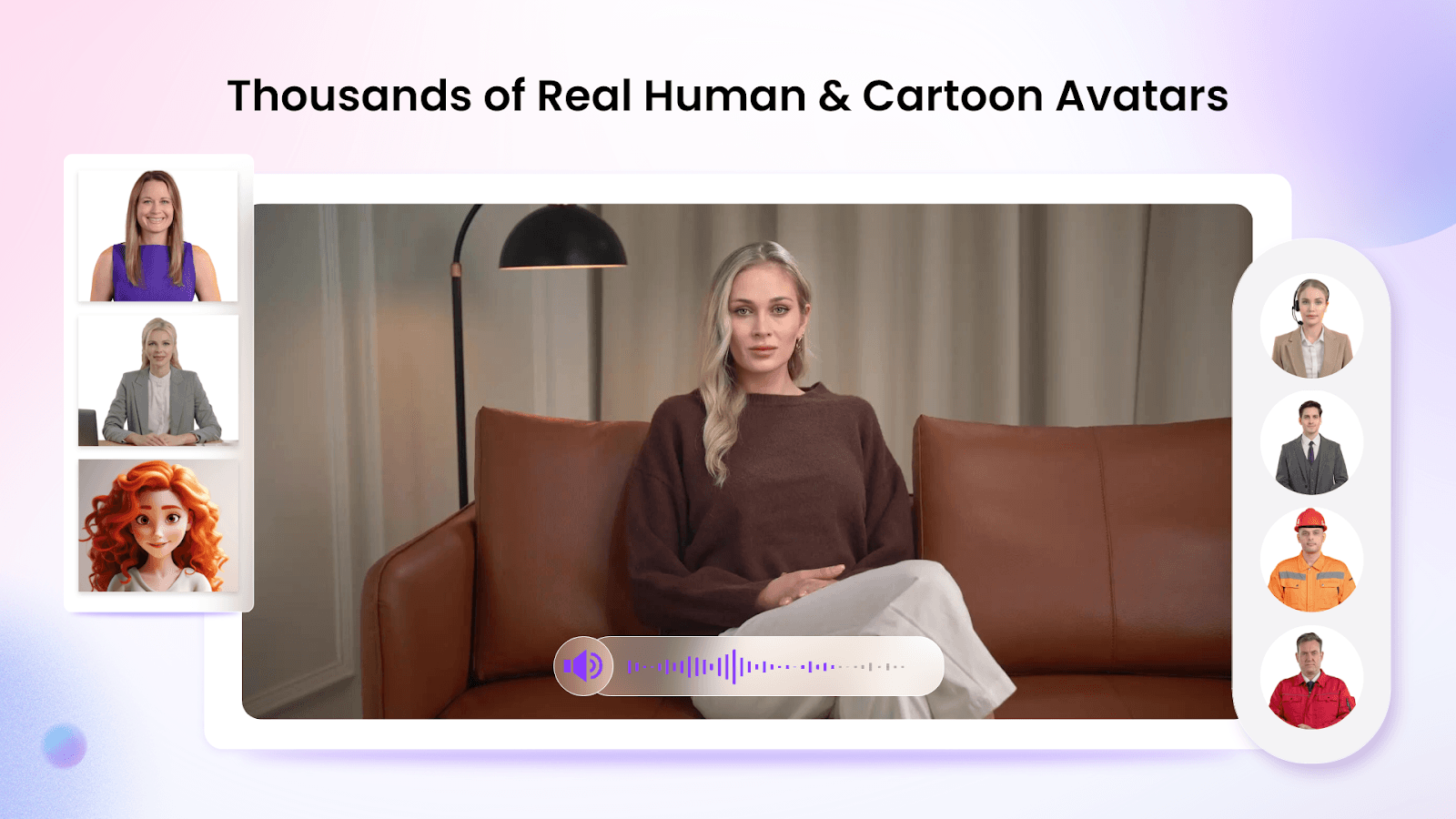
More than 1700 Realistic AI Avatars
Vidnoz AI's vast collection of more than 1700 realistic avatars is its core feature. A wide variety of professions, age brackets, races, and cultural backgrounds are represented among these avatars. There is always an avatar that fits the tone and message of your course, whether you need a medical instructor, a digital teacher, or a kind office assistant.
Vidnoz AI provides advanced avatar kinds in addition to static AI characters:
- Digital Twin: For a genuinely unique teaching experience, make an avatar that resembles you.
- Motion Avatar: For a more lifelike portrayal, include little body motions.
- Product Avatar: Ideal for object walkthroughs and internet commerce.
This variety enables advertisers and trainers to locate or customize figures that reflect their business persona, syllabus, or identity.
More than 140 languages and 1830 AI voices
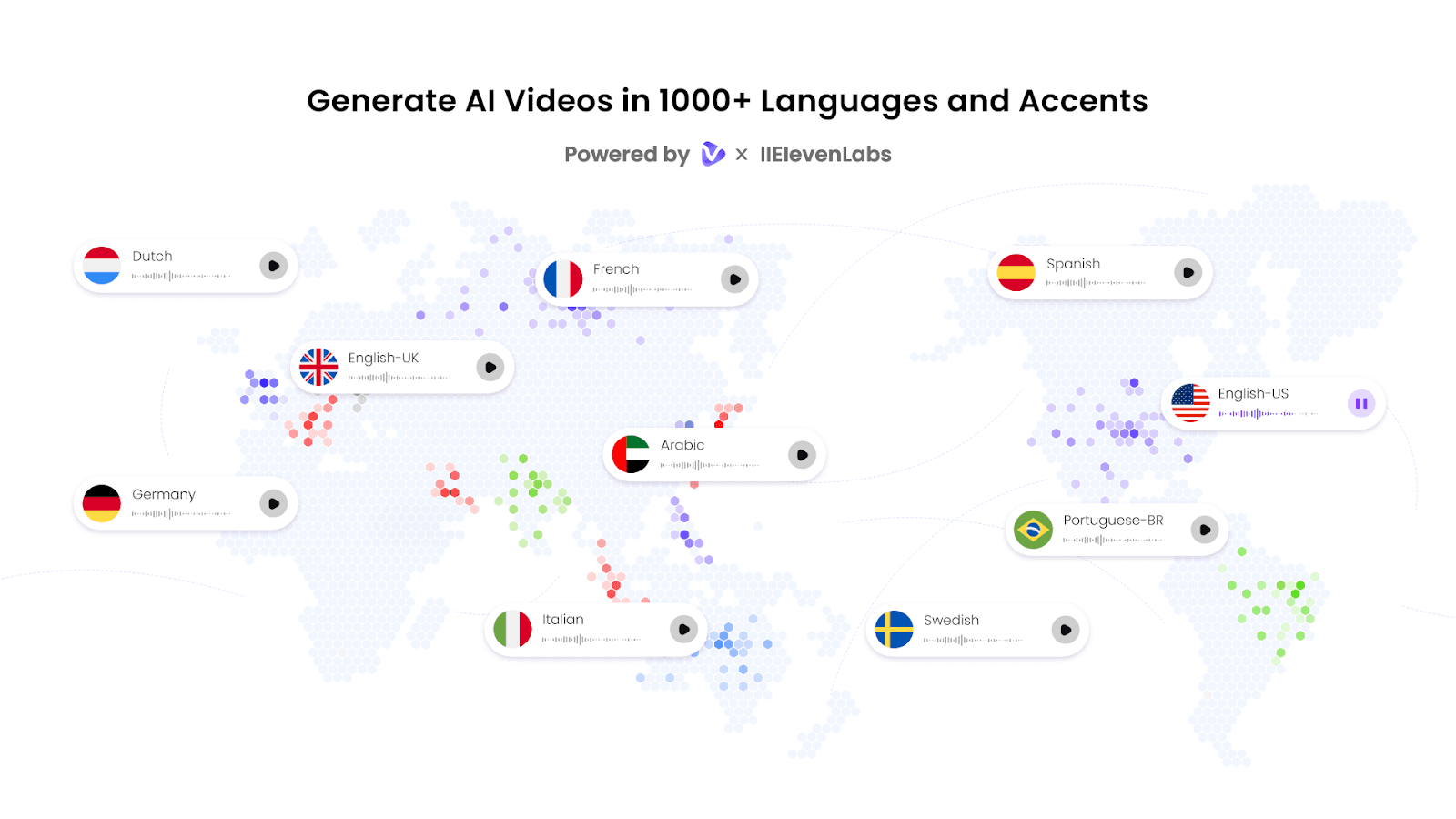
Using modern speech generation frameworks, Vidnoz AI enables reach to over 1830 synchronized synthetic voices spanning over 140 tongues. Trusted providers, including ElevenLabs, Microsoft, and Google, supply those tones, ensuring accurate sound, correct articulation, and expressive speech.
Vidnoz AI helps you communicate effectively and clearly without the need for voice actors, whether you're teaching chemistry in English, onboarding new hires in Spanish, or training customer service representatives in Mandarin.
More than 2800 pre-made video templates
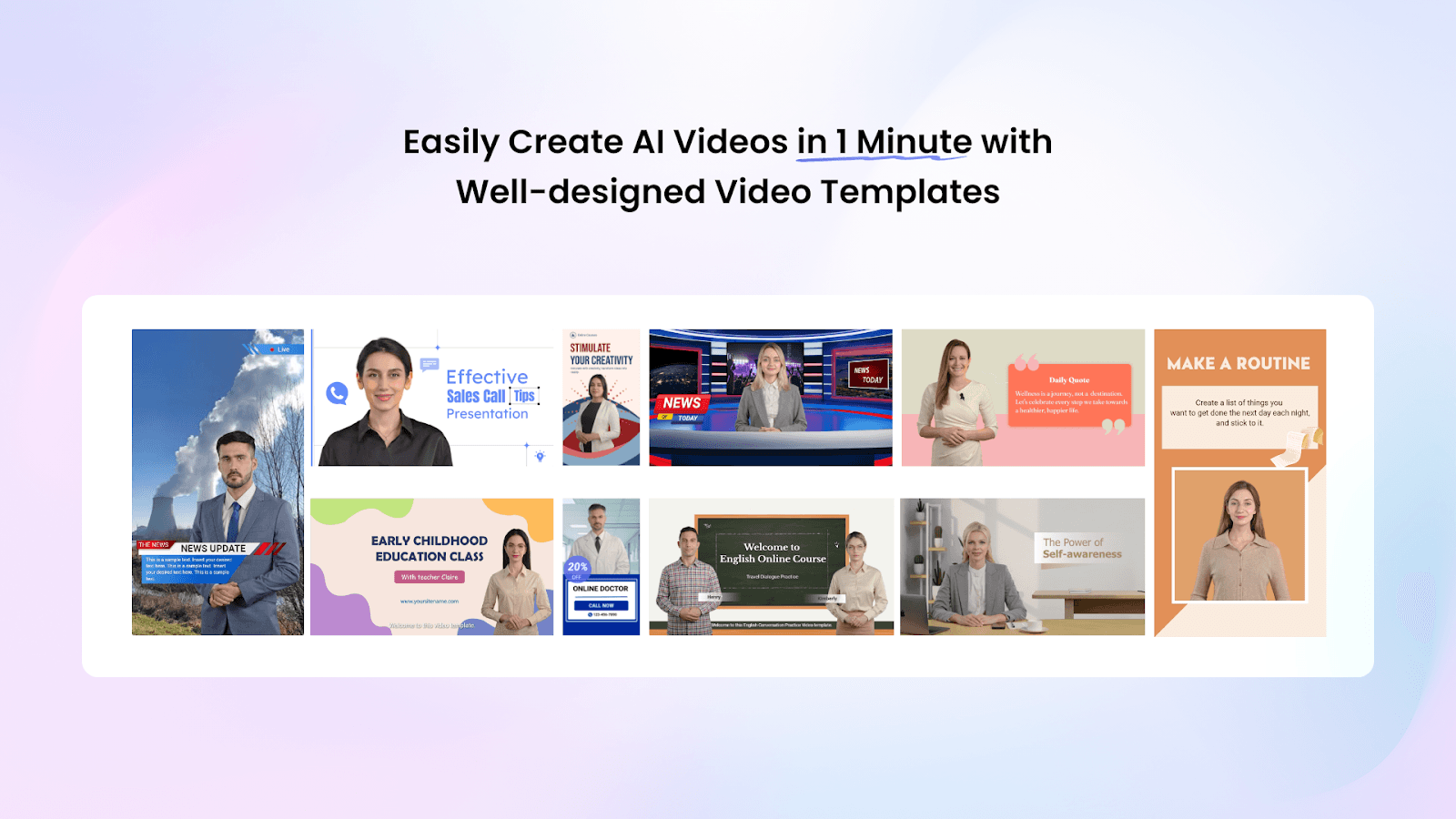
If you are not a designer, no worries. More than 2800 prebuilt video frameworks cover a broad selection of themes, from walkthroughs and promotion to enrollment, instruction, and development. Please select a style that aligns with your topic and customize it to your target audience.
These layouts serve both entry-level creators and expert authors wanting to conserve resources, as they’re customized for clarity and interaction.
Everyone Can Use It Free Every Day
The philosophy of Vidnoz AI is accessibility. Each registered user receives 2 minutes of free AI video creation every day. Teachers, independent trainers, and businesses that lack the funds for expensive video production equipment can particularly benefit from this.
You can develop short courses, test concepts, or even start whole e-learning modules for free.
Using Vidnoz AI in Four Easy Steps
With Vidnoz AI, making interesting movies is as simple as 1-2-3-4. This is how you can begin:
Step 1: Select an Avatar and Template
Choose a template from the extensive Vidnoz AI collection to get started. Choose an avatar that complements the tone and target audience of your material after the layout is complete. For a more customized delivery, you can also upload your digital twin avatar.
Step 2: Produce Voiceover AI
After that, select one of the more than 1830 AI voices and enter your script. Before you finalize the accent that best fits your content, you can check multiple other styles. To help the narration feel appealing and authentic, fine-tune the tempo, inflection, and mood where applicable.
Step 3: Add a Custom Detail
You may enrich the production using tunes, insignias, captions, and diagrams. You can align moments and visuals using Vidnoz AI’s platform to create a smooth presentation. Additionally, you can change the time and rearrange sequences as necessary.
Step 4: Produce and Distribute AI Video
After you've finished editing, click "Generate." Vidnoz AI will render your professional-caliber video in minutes. The file can then be downloaded, shared straight to learning management systems (LMS), or uploaded to your website, YouTube, LinkedIn, or other websites.
The Benefits of Vidnoz AI for Training and Education
In the screen-first world of today, learning calls for more than static text and PowerPoint presentations. People are drawn to graphics, stories, and interaction, especially digital natives. Vidnoz AI excels in that situation.
It transforms dull classes into engaging experiences with realistic avatars, a variety of languages, and editable templates. Vidnoz AI makes it effective, scalable, and enjoyable whether you're providing product tutorials, educating remote workers, or explaining complex math.
More schools, HR departments, and creators are turning to Vidnoz AI for video production because it combines high-end functionality, user-centric design, and accessibility (free daily usage).
The Bottom Line
Vidnoz AI is the tool you've been looking for to make education more fun, inclusive, and engaging. Its extensive library of avatars, global narrations, and ready-made designs helps build media quickly while maintaining top results.
Vidnoz AI, created for creativity and certified for safe use, facilitates straightforward communication across devices, cultures, and learning preferences. Give it a try now to see how a few clicks may turn your ordinary content into something truly remarkable.


